1、增加虚拟主机配置后访问localhost出现forbidden

2、查看apache配置文件是否设置正确


3、查看虚拟主机配置文件,打开httpd-vhosts.conf,发现localhost所在的主机目录里的servername未进行相应更改

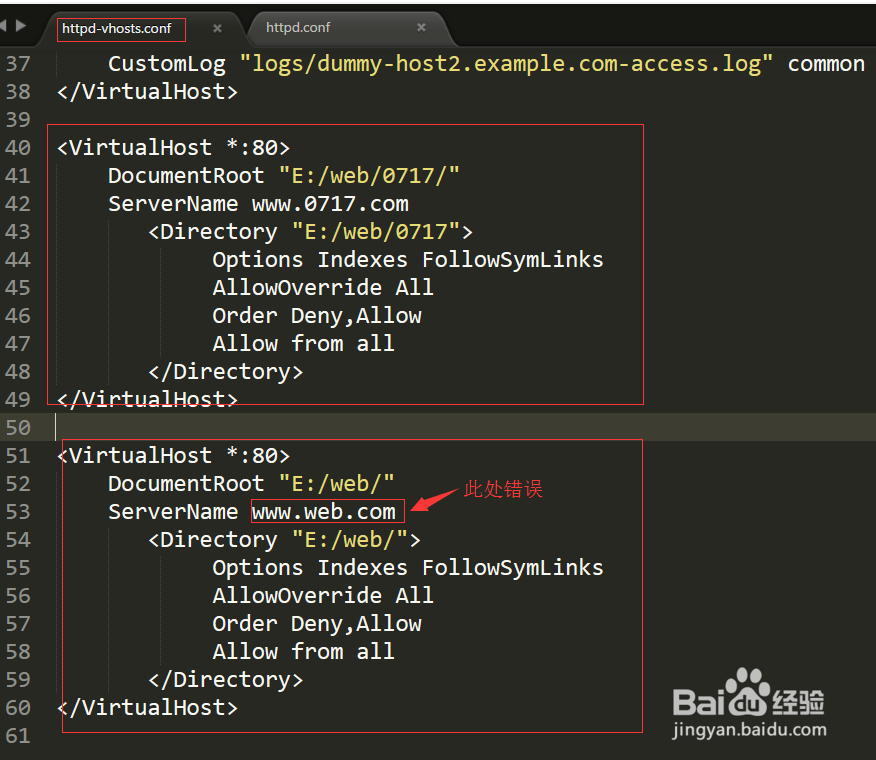
4、将上述的错误的servername配置为localhost
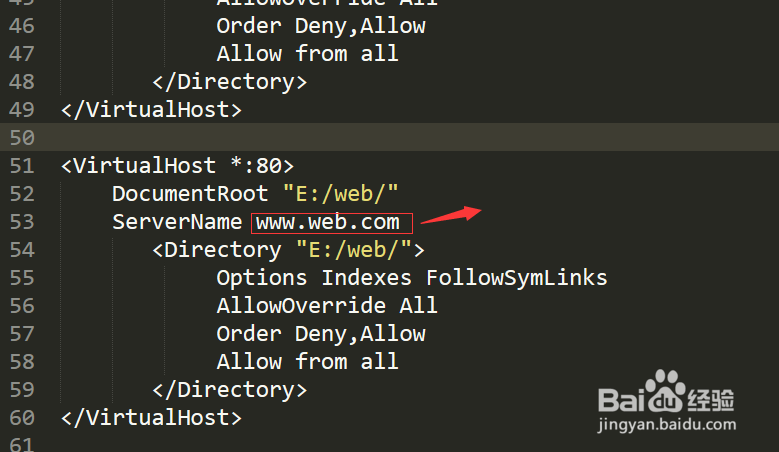

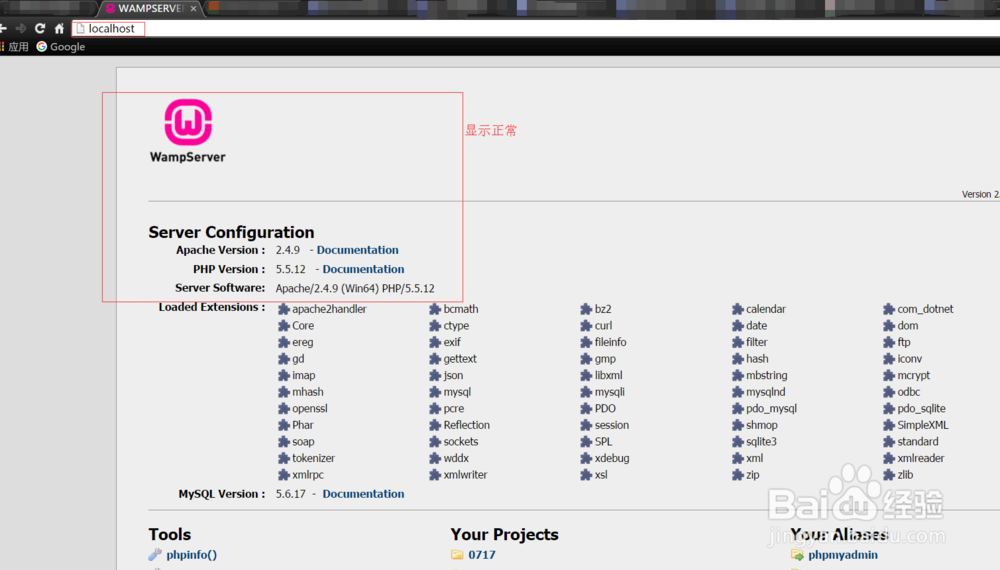
5、重启服务器,在浏览器地址栏输入localhost,显示wamp首页,问题解决
时间:2026-05-01 20:34:28
1、增加虚拟主机配置后访问localhost出现forbidden
2、查看apache配置文件是否设置正确
3、查看虚拟主机配置文件,打开httpd-vhosts.conf,发现localhost所在的主机目录里的servername未进行相应更改
4、将上述的错误的servername配置为localhost
5、重启服务器,在浏览器地址栏输入localhost,显示wamp首页,问题解决
